
Data movement — moving spaces and boards between organizations
Updated November 3, 2026
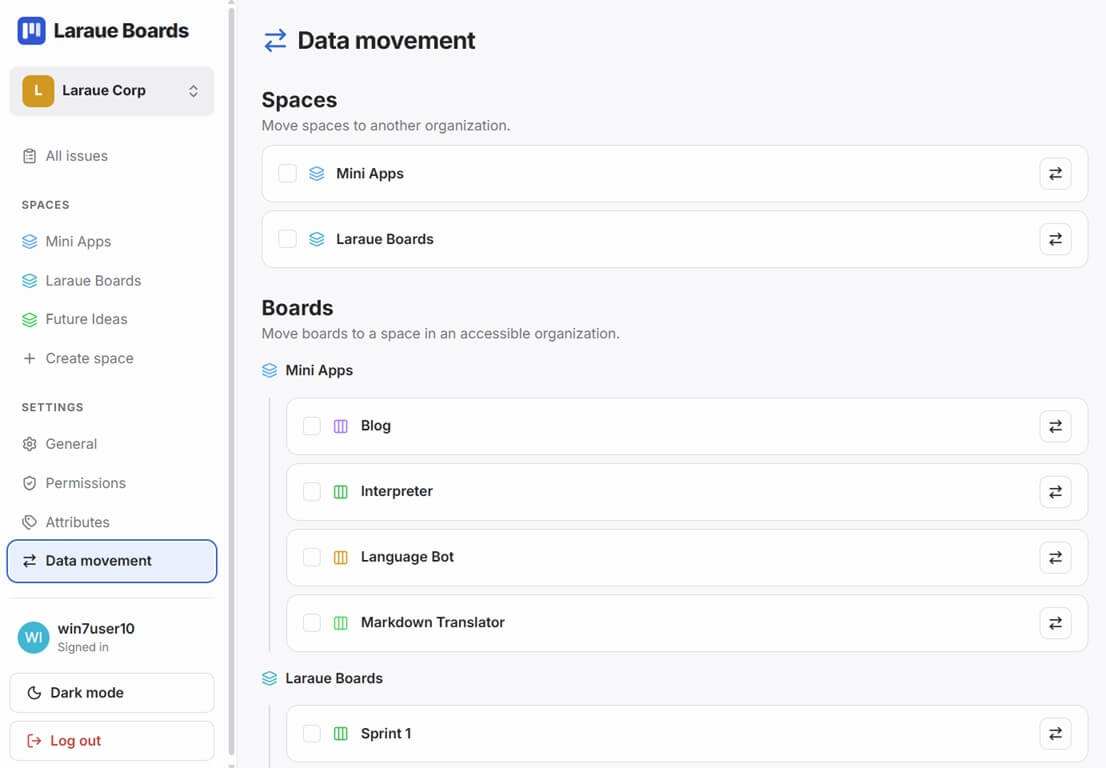
Admin → Data movement in the sidebar lets you move a space or a board out of the current organization. Moving something takes everything inside it along — a space brings all its boards and their issues; a board brings all its issues.
Moving spaces
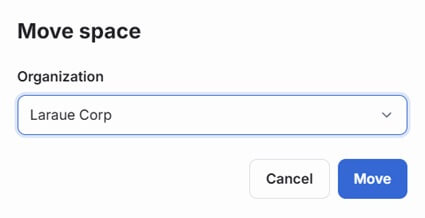
Under Spaces, check the ones you want to move, or use the swap icon on a single row to move just that one. Tap Move spaces, choose the destination organization, and confirm.
Moving boards
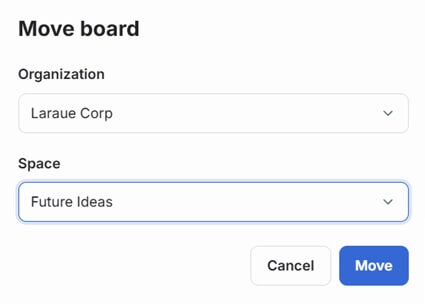
Under Boards, boards are grouped by the space they currently belong to. Check the ones you want to move, or use the swap icon on a single row. Tap Move boards, choose the destination organization and the space within it, and confirm.
Attribute values
Attributes belong to the organization, so moving a space or a board to another organization removes its issues' attribute values, along with the space's or boards' own attribute settings.
Moving boards to another space in the same organization keeps their issues' values, including values of attributes the new space doesn't use. A board with its own attribute settings keeps them.
Who can do this
Moving spaces and boards requires the Move spaces and boards administrative permission. See Permissions management.